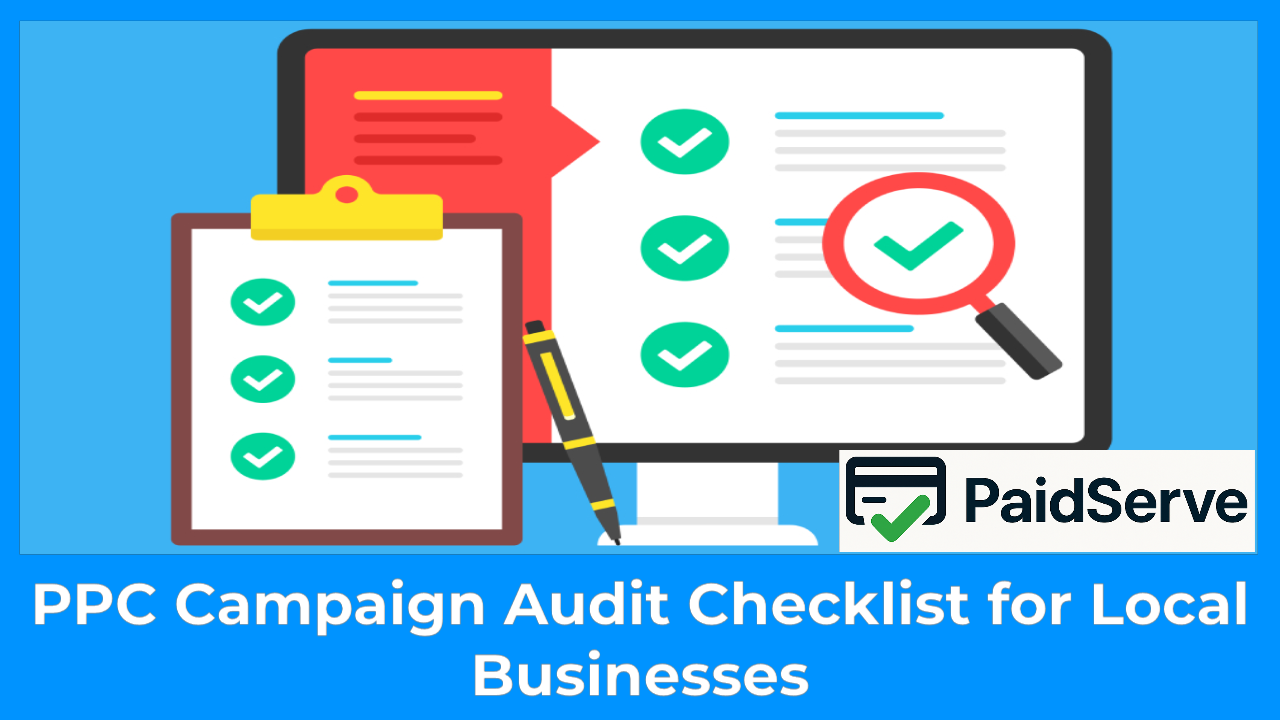
Running paid ads is one of the fastest ways for a local business to get new customers, but only if the campaign is set up and optimized correctly. Over time, even the best Google Ads or Facebook Ads campaigns can lose performance because of outdated keywords, weak targeting, or wasted budget. That’s why every local business needs a PPC campaign audit: a structured review that reveals what’s working, what’s hurting performance, and where money is being wasted.
A well-executed PPC campaign audit checklist for local business helps you uncover hidden opportunities, whether it’s improving your ad relevance, tightening your targeting radius, fixing conversion leaks on your landing page, or reallocating budget to higher-converting keywords. For small and local businesses especially, every dollar counts, and a regular audit ensures your ads reach the right people in your own city, neighborhood, or service area.
In this article, we’ll break down a simple but powerful checklist that any local business can use to evaluate and improve their PPC campaigns, boost ROI, and maintain consistent results all year long. Whether you manage your own ads or work with an agency, this guide will help you make smarter decisions backed by data , not guesswork.
What Is a PPC Campaign Audit and Why Is It Important for Local Businesses?
A PPC campaign audit is a detailed, step-by-step review of your advertising setup to identify strengths, weaknesses, wasted spend, and opportunities for improvement. Instead of guessing why your ads aren’t performing or why costs keep increasing—an audit gives you a clear, data-driven picture of what’s happening inside your campaign.
1. What Exactly Is a PPC Audit?
A PPC audit is the process of analyzing every part of your paid advertising campaign: keywords, targeting, ads, budget allocation, landing pages, and performance metrics. The goal is to understand how well each component supports your business objectives and where adjustments are needed.
For local businesses, this often means checking whether your ads are reaching the right neighborhoods, cities, or user intent.
2. Why Is a PPC Audit Critical for Local Businesses?
Local businesses depend heavily on precise targeting. Showing your ads outside your service area can waste a significant portion of your budget. A PPC audit helps ensure:
- Your ads reach customers near your physical store or service zone.
- Your keywords match local search intent.
- Your ad copy speaks directly to people in your area.
- Your budget is spent efficiently on high-intent searches.
With local competition increasing—even in small cities—auditing your campaigns helps maintain visibility while minimizing wasted clicks.
3. Results You Can Expect From a PPC Audit
When executed correctly, a PPC audit delivers measurable improvements, including:
- Lower cost per click (CPC).
- Higher click-through rate (CTR).
- Better conversion rate due to improved landing pages and audience targeting.
- Reduced wasted spend from irrelevant or broad keywords.
- More qualified leads from local customers who are actively searching for your services.
For any local business, conducting a PPC audit at least every quarter ensures your advertising stays sharp, relevant, and profitable—no matter how competitive the market becomes.
Step-by-Step PPC Campaign Audit Checklist for Local Businesses
Auditing a PPC campaign isn’t just about checking numbers—it’s about understanding how every element works together to attract local customers efficiently. Below is a practical, easy-to-follow checklist designed specifically for local businesses.
1. Review Your Campaign Goals
Start by confirming that your campaign goals align with your business objectives.
Are you trying to get more phone calls? Increase store visits? Generate service bookings?
Clear goals help you measure success accurately and guide every part of the optimization process.
Key questions to ask:
- Do my goals match what I want my local business to achieve right now?
- Are my KPIs (calls, leads, conversions) clearly defined?
2. Analyze Your Keywords
Your keywords are the core of your PPC campaign. For local businesses, relevance—and location intent—are crucial.
What to check:
- High-performing keywords and their CPC.
- Keywords that drain the budget without conversions.
- Local intent phrases like “near me”, city names, or service-specific long-tail keywords.
- Negative keywords that can block irrelevant traffic.
Improving keyword quality can dramatically increase conversions while reducing wasted spend.
3. Review Geographic Targeting
Local businesses win or lose based on accurate geographic settings. If your radius is too wide, you’ll pay for clicks from users you can’t serve.
Audit checklist:
- Is the target area limited to the cities or neighborhoods you serve?
- Are your ads appearing outside your service zone?
- Should you adjust radius targeting to avoid unwanted clicks?
Fine-tuning your targeting ensures every click has real potential to become a customer.
4. Evaluate Ad Performance
Your ads must resonate with local searchers and clearly communicate your value.
What to review:
- CTR (Click-Through Rate)
- Quality Score
- Relevance of headlines and descriptions
- Use of local elements such as city names, offers, or service areas
- Performance of extensions (call extensions, location extensions, site links)
Poor-performing ads often indicate weak relevance or unclear messaging.
5. Audit the Landing Page Experience
Even if your ads are perfect, a weak landing page will kill conversions.
Important factors:
- Mobile responsiveness
- Page load speed
- Clear CTA (call now, book appointment, get a quote)
- Local trust elements (reviews, map, certifications)
- Consistency between ad promise and page content
A strong landing page can double your conversion rate with no extra ad spend.
6. Examine Budget Distribution and Ad Schedule
Local businesses often waste money on clicks that come at the wrong time or from low-intent search terms.
What to check:
- Are you overspending on hours with weak performance?
- Does your budget match high-intent time slots?
- Are any campaigns draining money without generating conversions?
Smart budget allocation is one of the fastest ways to improve ROI.
Top Tools to Help You Audit PPC Campaigns for Local Businesses
Performing a PPC campaign audit becomes far easier and more accurate when you use the right tools. These platforms help you analyze keywords, track conversions, spot wasted spend, and monitor how your ads perform across different locations. For local businesses, these tools provide the insights needed to make smarter decisions and maximize ROI.
1. Google Ads Built-In Audit Tools
Google Ads itself provides several powerful features for auditing your campaigns.
Useful tools inside Google Ads:
- Search Terms Report — reveals exactly what users searched before clicking your ad.
- Recommendations Tab — highlights issues like unused budgets, low-quality ads, or missing extensions.
- Location Report — shows which cities or ZIP codes generate the best results.
- Ad Strength Grading — evaluates how strong and relevant your ad copy is.
For local businesses, the location and search-term insights alone can highlight wasted spend or new opportunities.
2. Google Analytics (GA4)
Google Analytics is essential for understanding what happens after users click your ad.
What GA4 helps you audit:
- Landing page performance
- Conversion paths
- Bounce rate and engagement time
- Device-level behavior
- Local traffic sources
By combining Google Ads + GA4 data, you get a complete picture of your customer journey.
3. SEMrush
SEMrush is one of the best all-in-one tools for PPC analysis.
Key features:
- Keyword research for local markets
- Competitive PPC analysis
- Ads performance monitoring
- Keyword gap reports
- CPC trends in your industry
For local businesses, SEMrush can reveal which competitors are bidding on similar keywords and how much they spend.
4. Ahrefs
Although known for SEO, Ahrefs also offers strong PPC insights.
What Ahrefs helps with:
- Competitor ad copy
- Paid keywords used by local competitors
- Cost estimates for high-value local keywords
- Opportunities for long-tail keyword optimization
This is especially helpful when identifying keywords you may have overlooked.
5. Google Keyword Planner
A free, reliable tool for keyword research and PPC planning.
Why it’s useful:
- Finds local search volumes
- Suggests keyword variations
- Estimates CPC (cost per click)
- Helps you discover profitable long-tail terms
Local businesses benefit from seeing exact search demand in their city or ZIP code.
6. Call Tracking Tools (e.g., CallRail, Twilio)
If your goal is to generate phone calls, tracking tools are essential.
Benefits:
- Shows which ads generate calls
- Tracks call duration and quality
- Helps calculate real conversion value
- Connects phone leads to specific keywords or landing pages
Local service businesses (plumbers, HVAC, contractors) can’t do a full PPC audit without proper call tracking.
7. Heatmap & UX Tools (Hotjar, Microsoft Clarity)
Understanding how visitors interact with your landing page is crucial.
These tools provide:
- Scroll maps
- Click behavior
- Session recordings
- User pain points and conversion barriers
This helps you identify issues that traditional metrics don’t show like confusing CTAs or poorly placed contact forms.
Common PPC Mistakes Local Businesses Should Avoid
Even with a solid budget and a well-designed campaign, many local businesses lose money on PPC because of simple but costly mistakes. Identifying these issues during your audit can immediately improve performance and prevent wasted spending.
1. Targeting Areas Outside Your Service Zone
One of the most common mistakes is running ads in regions you don’t serve.
This can drain your budget quickly—especially if you operate in a single city or offer services within a limited radius.
- Example: A plumber serving one town accidentally targets the entire state.
- Result: hundreds of useless clicks.
- Fix: Set strict radius or ZIP-code targeting and review location reports regularly.
2. Ignoring Negative Keywords
Negative keywords protect your budget by blocking irrelevant searches.
Many local businesses skip this step and end up paying for completely unrelated clicks.
- Example: A “roof repair” company paying for clicks related to “roofing jobs” or “DIY roof repair”.
- Fix: Update your negative keyword list weekly to eliminate low-quality traffic.
3. Using Generic, Non-Localized Ad Copy
Ads without local signals fail to stand out or connect with nearby customers.
Examples of weak ad copy:
- “Best Window Repair Services”
- “Affordable Plumbing Services”
Examples of strong localized copy:
- “Fast Window Repair in Denver — Same-Day Service”
- “Local Plumber in Miami — 24/7 Emergency Support”
Local intent boosts both CTR and conversion rates.
4. Sending Traffic to a Weak or Irrelevant Landing Page
Many businesses send ads to their homepage instead of a dedicated landing page.
Homepages are usually too broad and lack a strong call-to-action.
- Fix: Create a landing page designed specifically for each service and location.
Include:
- Local phone numbers
- Service area
- Reviews
- Strong CTA (Call Now, Book Today, Get a Quote)
5. Ignoring Mobile Performance
Most local searches happen on mobile devices.
If your site loads slowly or is hard to navigate, you lose conversions instantly.
Checklist:
- Load time under 3 seconds
- Click-to-call button visible
- Simple form
- No intrusive popups
6. Not Tracking Calls or Conversions Properly
Local businesses rely heavily on calls, yet many campaigns don’t track them.
- Result: You can’t tell which ads are actually generating customers.
- Fix: Use call tracking tools and integrate them with Google Ads + GA4.
7. Setting Campaigns on “Auto-Pilot”
Running PPC without regular optimization is a silent profit killer.
Competition changes, CPC fluctuates, and user behavior evolves.
- Fix: Audit your campaigns at least monthly, and perform a full audit every quarter.
A successful PPC campaign doesn’t happen by accident, it’s the result of consistent analysis, testing, and optimization. For local businesses, a PPC campaign audit checklist is more than just a routine task; it’s a strategic advantage. It helps you uncover wasted budget, improve targeting, strengthen your ad messaging, and ensure your ads reach the right people in your service area.
By reviewing key elements like keywords, geographic targeting, ad relevance, landing page performance, and budget distribution, you gain full control over your campaign’s effectiveness. Even small improvements, like adding negative keywords or refining your radius targeting, can lead to higher-quality leads and better ROI.
Whether you’re running the ads yourself or working with an agency, performing a regular audit ensures your campaigns stay competitive, cost-efficient, and aligned with your business goals. With this checklist, your local business can maintain a powerful, data-driven PPC strategy that consistently attracts the customers who matter most.